Examples
These examples, like all of our solutions, are fully customizable to suit your needs. As always, a plan for continuous process improvement is included.
User Documentation
User Documentation is not meant for technical, marketing, and other strategic stakeholders directly, though they may use or benefit from it. User Documentation, as the name implies, is documentation created specifically for the user and with the user in mind.
There are many different types of User Documentation and not all types are necessary (or even helpful) for all products. Each company, each product, and each user base has their own specialized needs regarding the documentation that will benefit their journey.
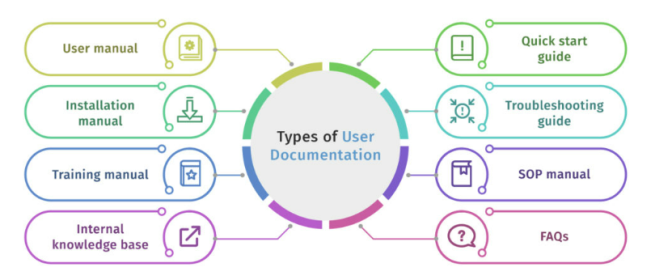
There are many different elements that comprise the full story of your product and your users can get stuck or have questions at any stage. That's why we need to ensure all of these are covered so your users can get themselves unstuck and find the answers they need quickly and easily.
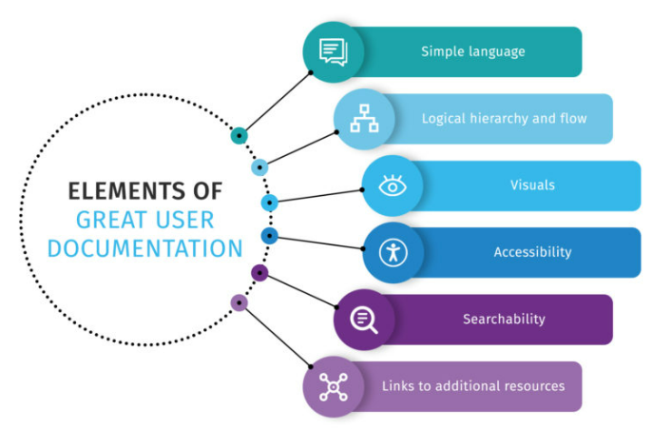
Online Help
Modern Online Help comes in many different flavors. Some browser-based systems are maintained and deployed independently of the software they support and can be hosted locally (on your C:\) or on the Internet.
Some systems are embedded within the software and can only be updated in conjunction with a software release. These are only hosted locally (on your C:\) and can be browser based or presented via a single, .chm file.
Regardless of which system you choose, you should also consider providing page level or even field level context sensitive help as well.
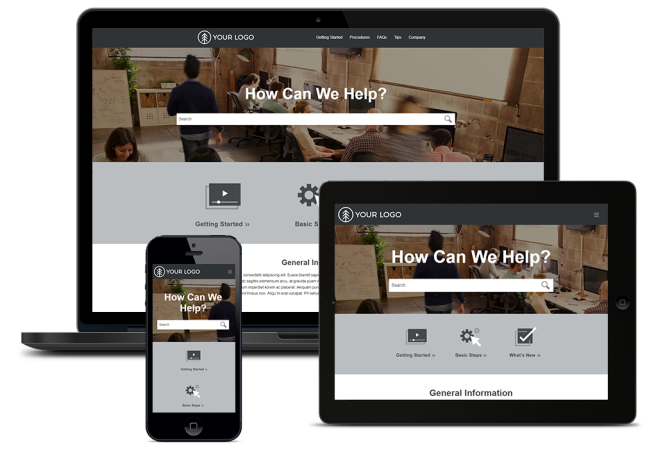
The examples below include traditional side-nav and tripane systems along with some more modern top-nav and frameless systems. We'll deliver the very best system based on your goals and resources and our level of collaboration.
Tripane
Traditional format with three frames for Navigation, Toolbar, and Content. Responsive design allows viewing from any device.
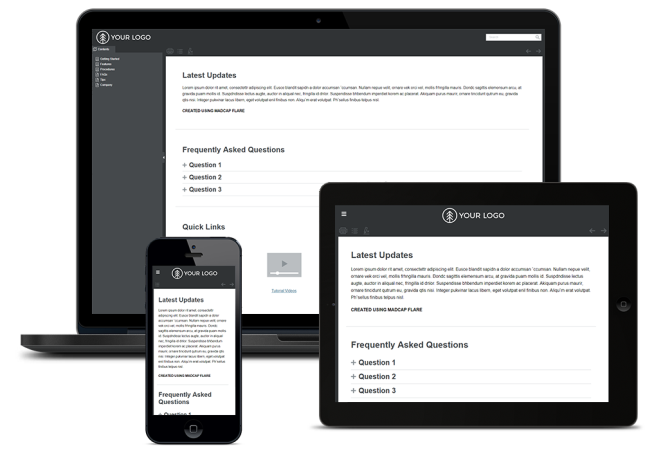
Side Navigation
A frameless, modern alternative to the traditional, Tri-Pane format. Built like a website with navigation on the side (left or right, your choice). Responsive design allows viewing from any device.
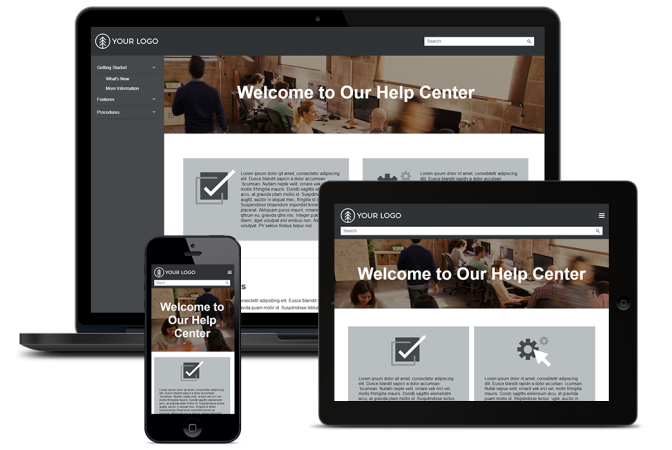
Top Navigation
Another frameless, modern alternative to the traditional Tri-Pane. Built like a website with navigation at the top. Responsive design allows viewing from any device.
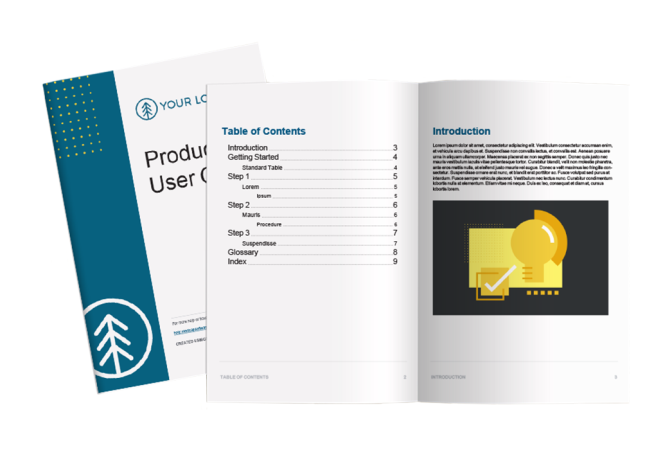
PDF or Printed Guides
Traditional User Guides and Installation Manuals (among others) are often delivered to users in PDF and/or printed form. We can custom design and deliver your content based on your needs and according to your standards.
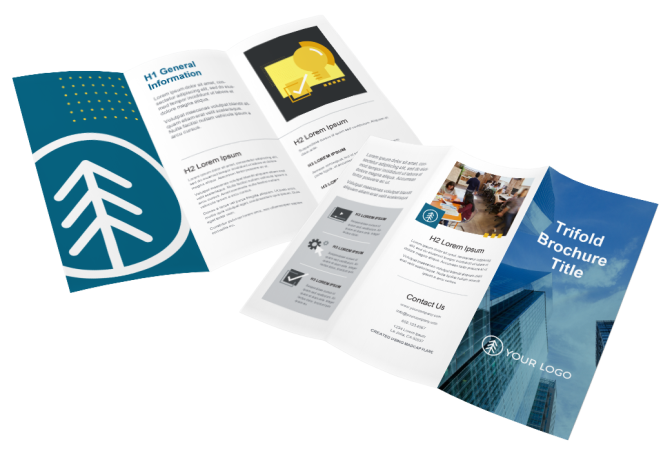
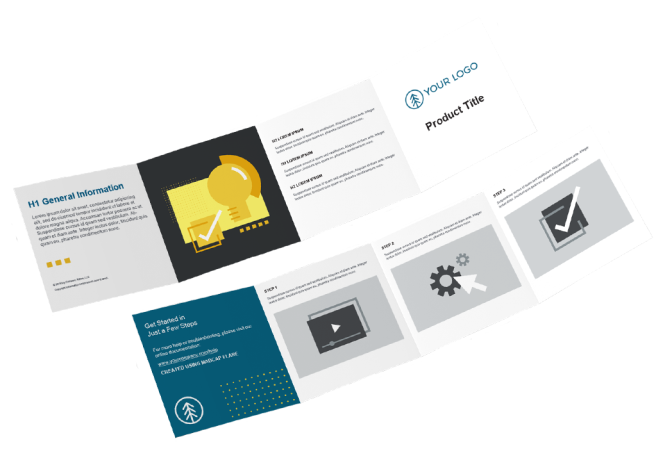
Brochures and Product Foldouts
Regardless of the purpose, marketing, quick-start, reference, or informational, we can add your content and customize everything according to your needs.
Brochure
Product Foldout
Video Tutorials
Video Tutorials are a relatively new addition to the world of User Assistance Content. As the name implies, they are videos designed to tutor users in a specific skill, feature, process, or concept. Video Tutorials are used in many different ways. They may be published to YouTube, embedded in Online Help, linked from a PDF, or even installed along with the software. The possibilities are endless and new innovations are coming out all the time.
Prime Content Solutions specializes in quick, focused, screen-recorded software demonstrations. Along with video, they can contain audio narration, captions, text, or any combination of the three. For really simple features and functions, a 3-second .GIF might do the trick. For deeper concepts, you may need 3 full minutes with lots of visual aids and explanations. Let us help you better support your users with video tutorials.
Here are some examples of how Video Tutorials can be presented via your browser. These methods can be used in your Online Help or your website (via our Web Design and Web Hosting services).
Linked YouTube video:
Embedded MP4 Video:
Localization
Localization of content becomes more and more important as modern business, particularly software business, becomes more and more global. If you're developing software in North America and your user base is spread across the world, many of them will need to be able to access their Software Product Documentation in their own languages. That's where Prime Content Solutions can help you!
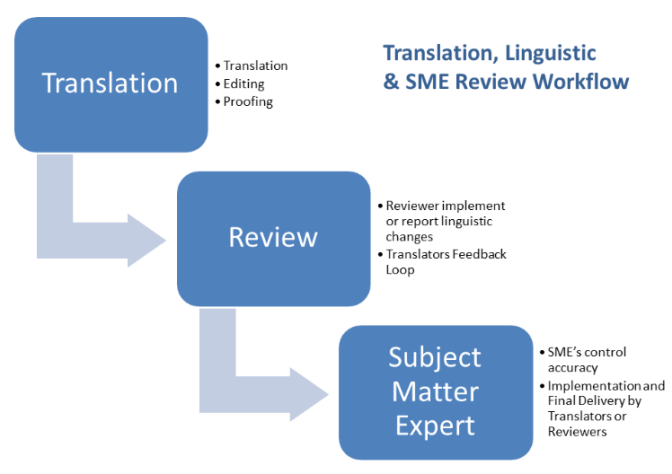
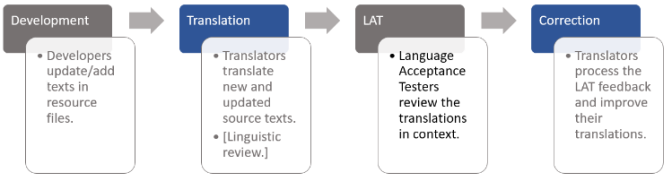
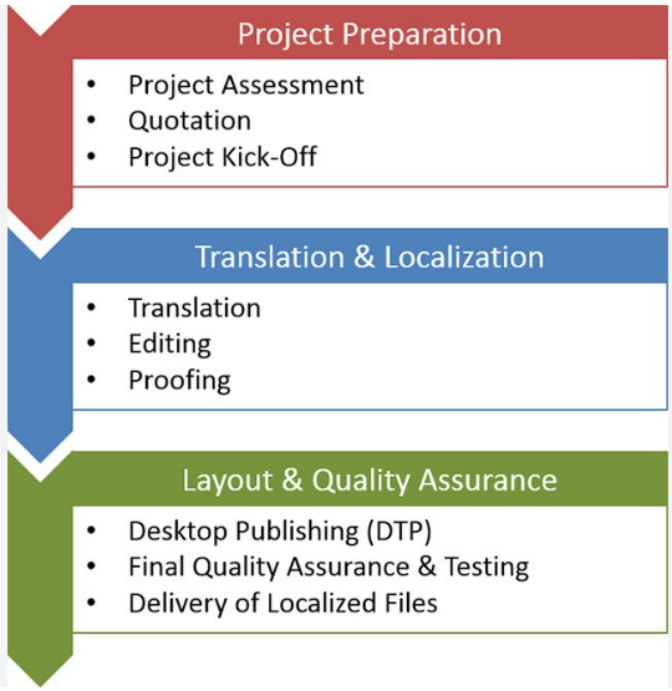
A couple PDF docs here and there can be managed pretty easily, but when you're dealing with entire libraries of PDFs or multiple help systems made up of hundreds of individual files compiled in a very specific order, manageability can rapidly spiral out of control. We'll manage that workflow for you or help you to implement it within your Content Strategy.
Here are some generic examples of a few standard workflows:
Web-Based Presentations
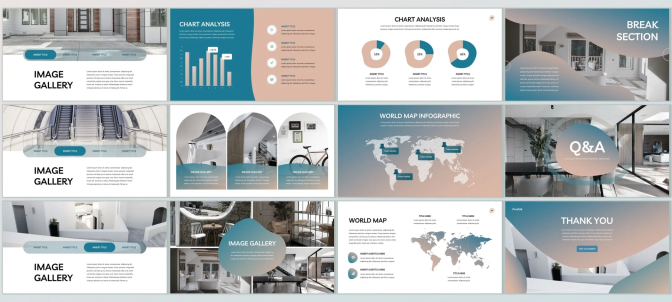
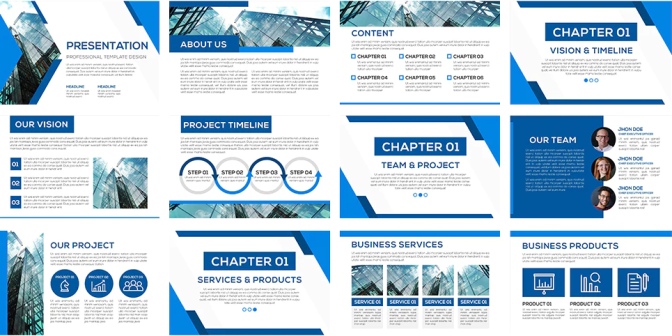
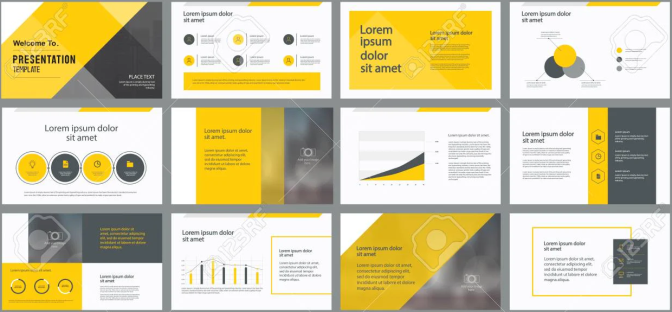
Create presentations well beyond what Power Point is capable of. Think of it like designing a website specifically to facilitate your presentation and your content because that's exactly what it is!
Work with one of our developers to create the perfect vehicle for your next presentation. We start with PowerPoint and add the power of a browser! Use your existing PowerPoint as a starting point or design and create the experience you want to give your audience whether it's a classroom, a boardroom, or a Zoom call.
UX Writing
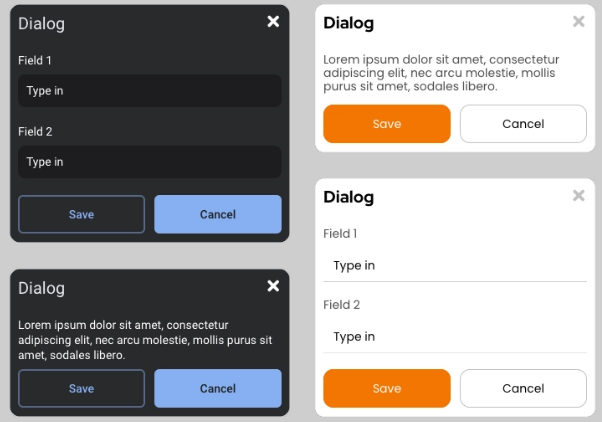
UX (or User Experience) writing is the latest evolution of User Assistance Content. The first thing you'll notice when exploring UX Writing vs. traditional Technical Writing is that the scale is much smaller and the tasks more focused. The overarching ideas are similar. We want to preemptively help the user and answer their questions before they even ask. However, in the case of UX Writing, we're typically writing for error messages, wireframed dialog boxes, hover text or tooltips, menus and labels in the UI rather than conceptual or task-based topics.
This type of writing requires the reductive skills to say something meaningful and poignant in as few words as possible. This, in and of itself, is an art form. The artists at Prime Content Solutions can help you with the challenges around implementing and/or maintaining UX Writing and the processes around it as part of your Content Strategy.
The image below conveys a few standard UX Writing tasks without context.
Training Content
Our fully customizable Training solutions will have a positive impact on your users and maybe even your employees. Whether it's an instructor-led classroom course with printed materials, or a self-paced, online, video course with quizzes and a certificate, we've got you covered.
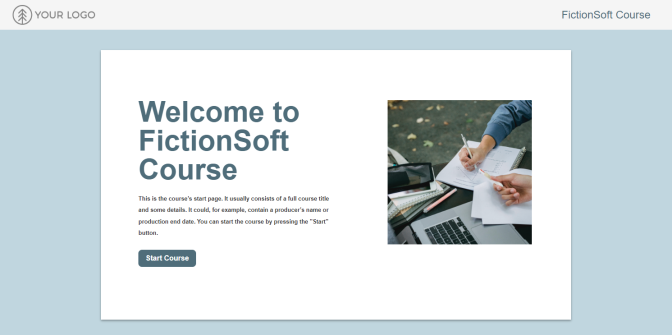
This responsive eLearning course template provides a course title page with an image, and navigation buttons for a linear user experience.
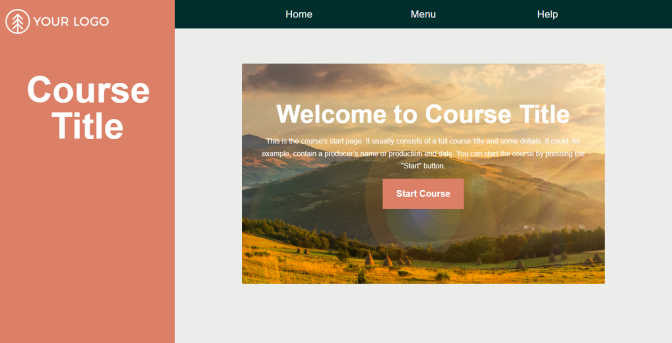
This responsive eLearning course template provides a course title page with a background image, a chapter-based menu outline and navigation elements for a sleek, simple design.
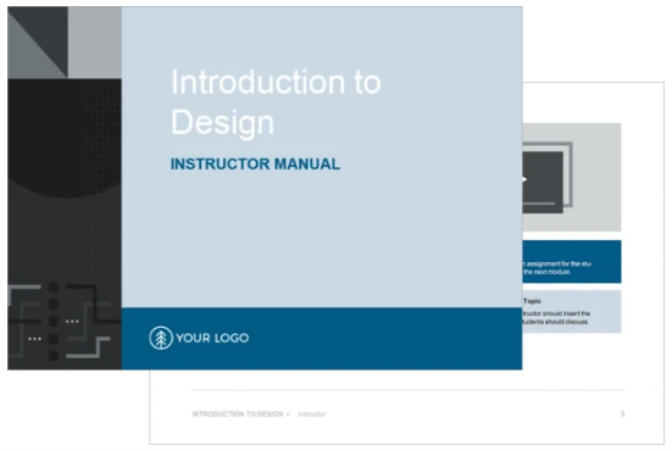
This print-based project has been designed to produce instructor and student specific PDF manuals, including assessment questions.
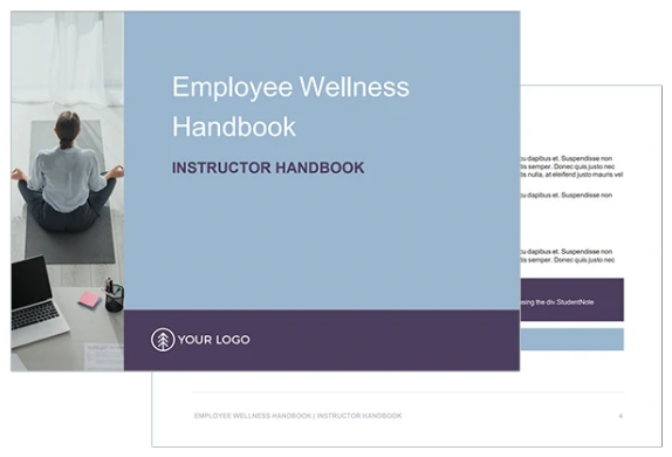
This template contains two separate outputs. The instructor manual is intended to contain content that is tagged as instructor and all of the content for the student manual. The student manual only contains content that is specific to students and will exclude the content tagged for instructors.
Knowledge Base
A Knowledge Base is a self-serve online library of information about your software product. It’s fully searchable and consists of articles that give precise answers or solutions to specific problems. Articles can contain text, images, audio, or video or any combination of these.
The main purpose of a knowledge base is to get your users specific answers to specific questions so they don’t have to call Customer Support. Over time, a quality Knowledge Base can measurably reduce calls to Support by preemptively answering as many questions as possible and training your users to look for answers there first.
Knowledge Base articles are a great way to store, track, and present things like:
- Error Messaging, what the message means and how to fix it
- Workarounds for uncommon, but known issues
- Reference information like codes
- Troubleshooting tips and techniques
Our Knowledge Base solutions, like all our solutions, are fully customizable to suit your needs and the needs of your users. All designs are responsive so they can be viewed from any device.
Herschel
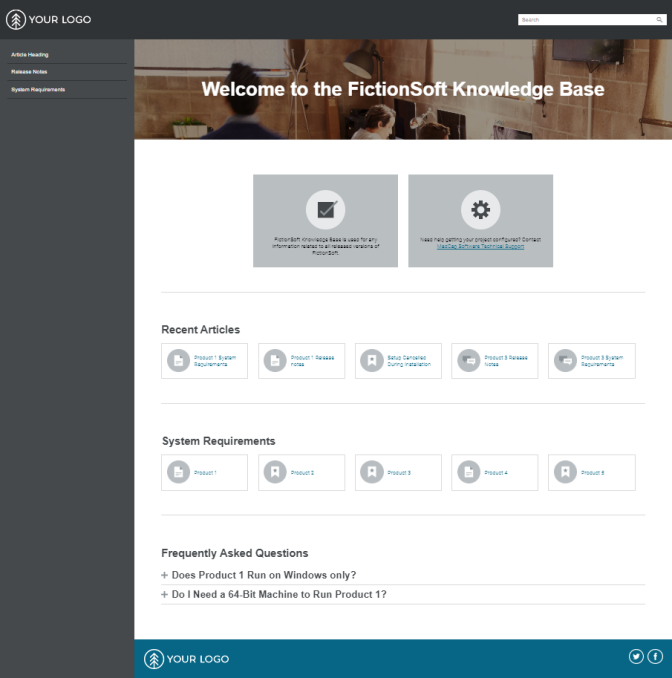
Designed to look like a modern website, this template features an easy-to-use side navigation menu for an enhanced user experience. The navigation menu can be easily positioned on the left or the right side.
Click the image to open a fully viewable, clickable, and searchable sample site:
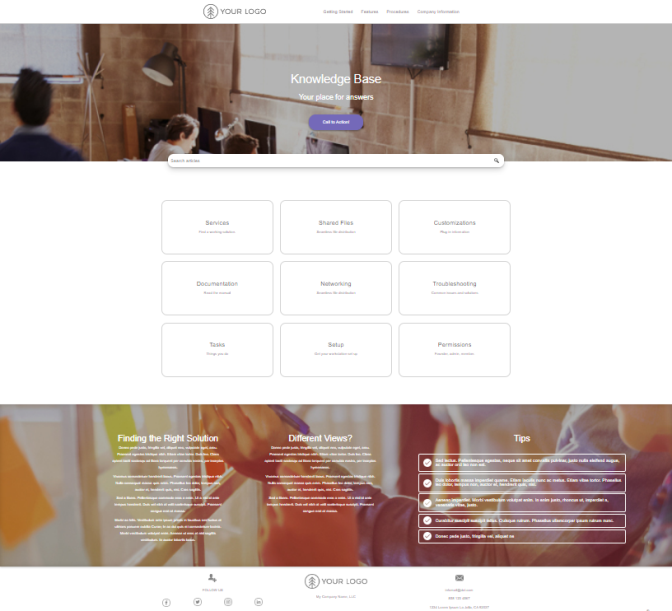
Balboa
Taking advantage of the responsive, long-format design and parallax scrolling, this professional technical documentation template is a great way to display content, while providing visual elements that match with your company's look and feel.
Click the image to open a fully viewable, clickable, and searchable sample site:
Web Design and Web Hosting
If you hadn't noticed by now, many of the solutions we offer are simply repurposed websites. We're happy to purpose or repurpose a website for you too! Work with one of our developers to narrow down what you need and how best to present it. When it's finished, we'll also host your website and maintain your content should it require updates.
Check out these working sites below for some ideas.
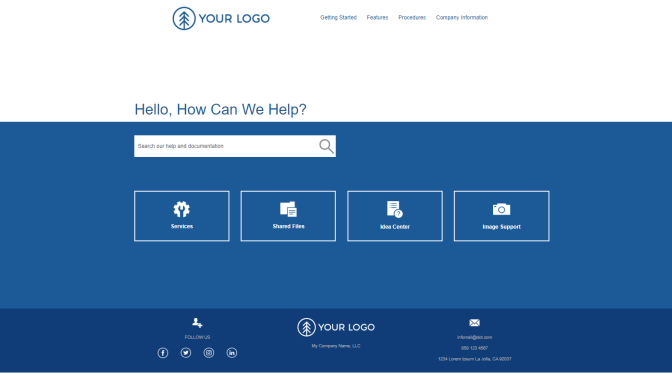
Santa Luz
This sleek, simple design highlights a top navigation layout with easy to use navigation link boxes. Plus, an added menu displays topics with customizable tiles that can be easily adjusted or added for a better user experience.
Click the image to open a fully viewable, clickable, and searchable sample site:
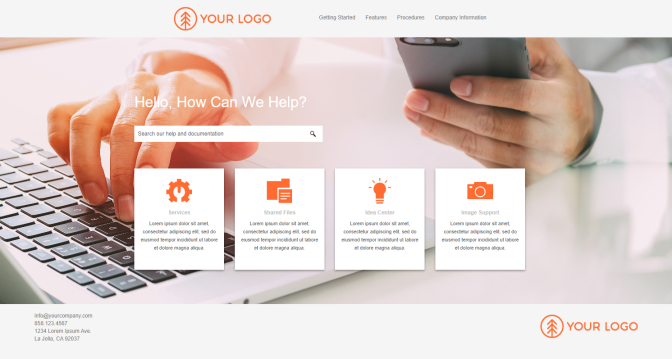
Del Mar
This highly customizable template features a large hero image spanning across the home page. A brief summary can be added to each topic providing an introduction into various sections for additional context.
Click the image to open a fully viewable, clickable, and searchable sample site:
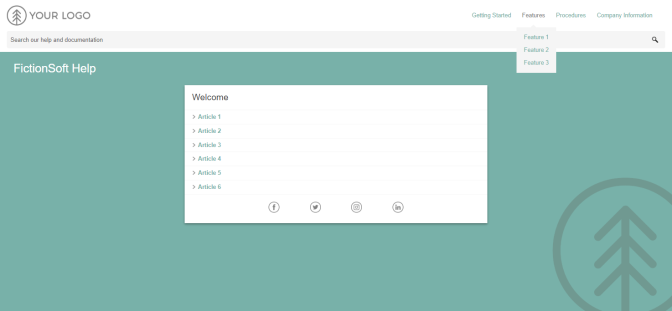
Girard
A template designed with mobile users in mind. User-friendly navigation showcases relevant information to visitors, directing them to important articles and content.
Click the image to open a fully viewable, clickable, and searchable sample site:
Ivanhoe
Design is stripped down to the essentials, providing your users with the exact information they need. Tiles can be added or removed, and are prominently displayed on the homepage, with a minimal background.
Click the image to open a fully viewable, clickable, and searchable sample site:
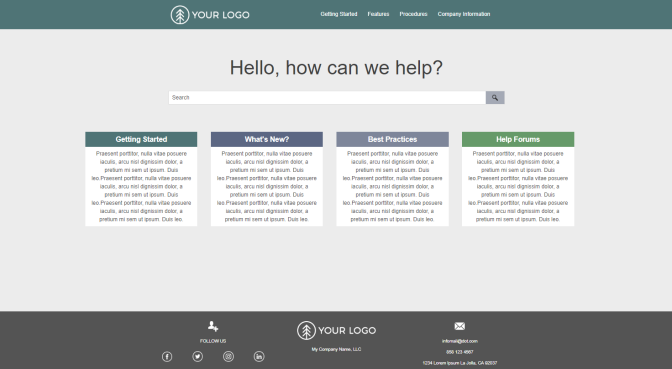
Soledad
This modern, professional layout provides your users with a comprehensive start to navigating your documentation. Logos and colors can be easily added or edited.
Click the image to open a fully viewable, clickable, and searchable sample site:
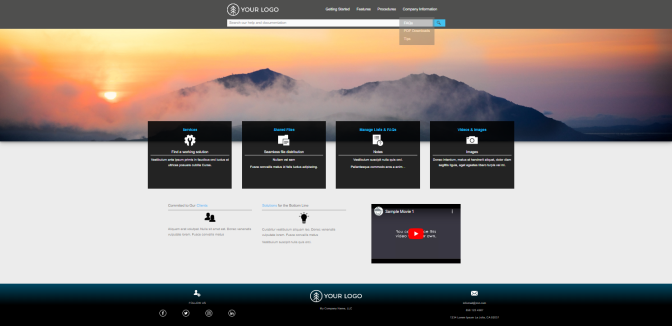
Sunset
A unique way to display technical communication websites and documentation, featuring a side menu and appealing visuals. Additional categories can be easily added to ease navigation for users.
Click the image to open a fully viewable, clickable, and searchable sample site:
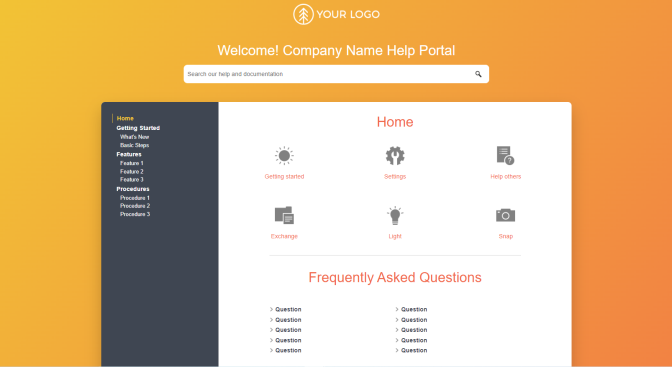
Moonlight
This modern look and feel makes navigating through documentation easy. Prominent how-to links and a video tutorial section to highlight important announcements and feature updates.
Click the image to open a fully viewable, clickable, and searchable sample site:
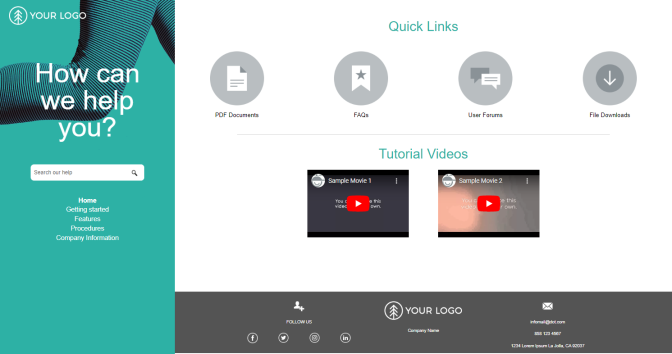
Herschel
Designed to look like a modern website, this template features an easy-to-use side navigation menu for an enhanced user experience. The navigation menu can be easily positioned on the left or the right side.
Click the image to open a fully viewable, clickable, and searchable sample site:
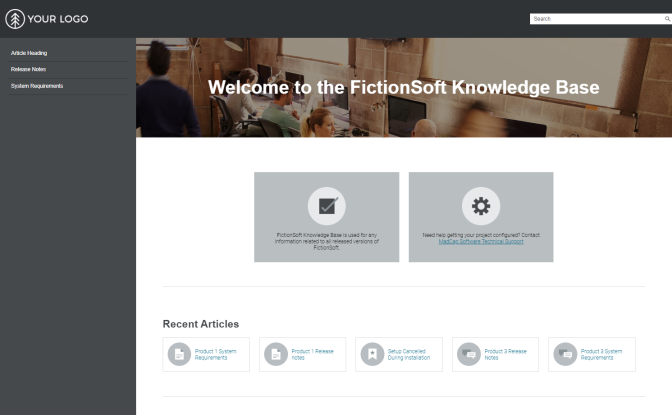
Cardiff
A streamlined homepage gives your audience the starting point they need to explore your technical documentation. Topic pages take advantage of the accessible design of side navigation menus, letting users know exactly where they are.
Click the image to open a fully viewable, clickable, and searchable sample site:
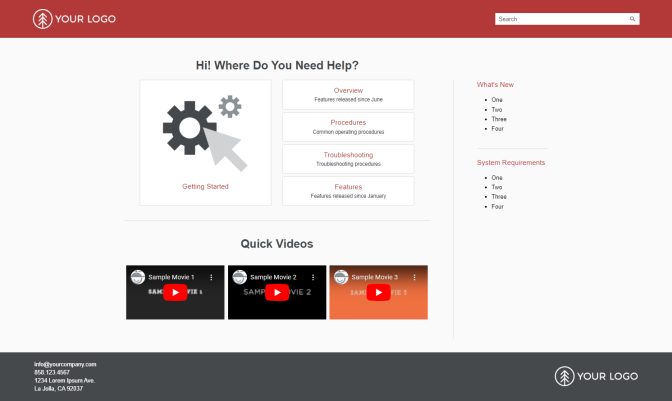
Silverado
An ideal start to building a responsive portal for technical documentation and other types of technical content. The polished, adaptive style and layout prominently displays categories and visuals where they can't be missed.
Click the image to open a fully viewable, clickable, and searchable sample site:
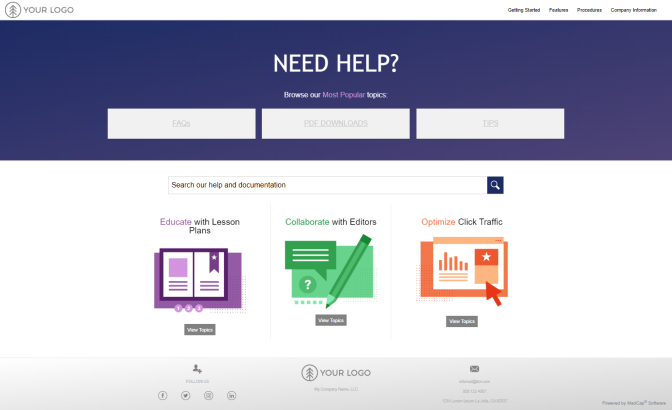
Solana
A prominent side navigation offers easy navigation for users to drill into features or training material quickly. A homepage and topic page search bar allows for your audience or reader to search for content such as a user guide, technical manual, reference manual, executive summary, or general training material quickly and easily.
Click the image to open a fully viewable, clickable, and searchable sample site:
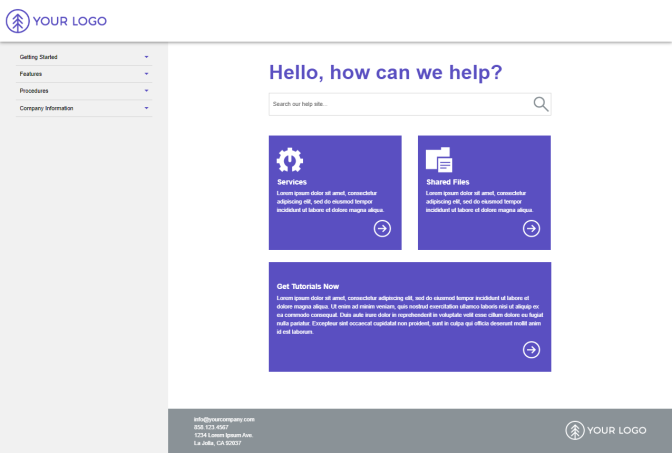
Coronado
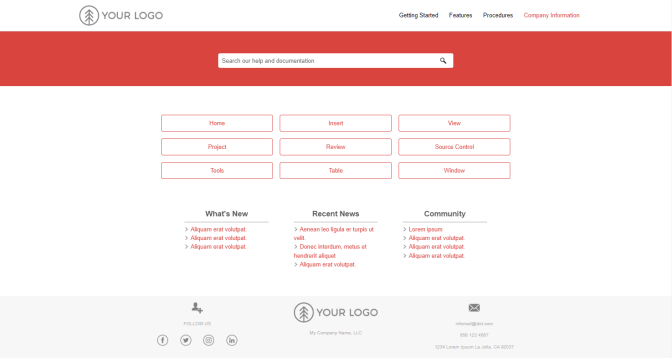
A responsive grid layout with customizable tiles that can be easily adjusted. Multiple navigation options make it easy for users to find documentation, news, and community updates across multiple projects.
Click the image to open a fully viewable, clickable, and searchable sample site:
Section 508 Compliance
In 1998, the U.S. Congress amended the Rehabilitation Act to require federal agencies to make their electronic and information technology accessible to people with disabilities. You can read all about it at section508gov. The law specifically requires the work of federal agencies to be compliant. For the private sector, that means any work done for a federal agency under contract must also be compliant.
Under Section 508, all content created for web, desktop, and mobile technologies, including software, must be compliant along with all educational or training materials and all e-mail, PDF, and Microsoft Office documents.
We're experienced with Section 508. We know the requirements and we won't just bring your existing content into compliance, we'll incorporate compliance into your existing processes and ensure that new processes are designed with compliance in mind so that it's never a problem for your organization moving forward.
We would be thrilled to help you become 100%: